Photography Apps and Utilities
I build the tools I wish I had for my photography business, from managing a studio and replying to clients to importing photos and finishing drone footage. These are the apps I use to spend less time on repetitive tasks and more time creating.
Explore ShootCal, Easy Eject, ReplySmith and GyroGrade below. Each app has its own website with features, downloads and setup help.
ShootCal
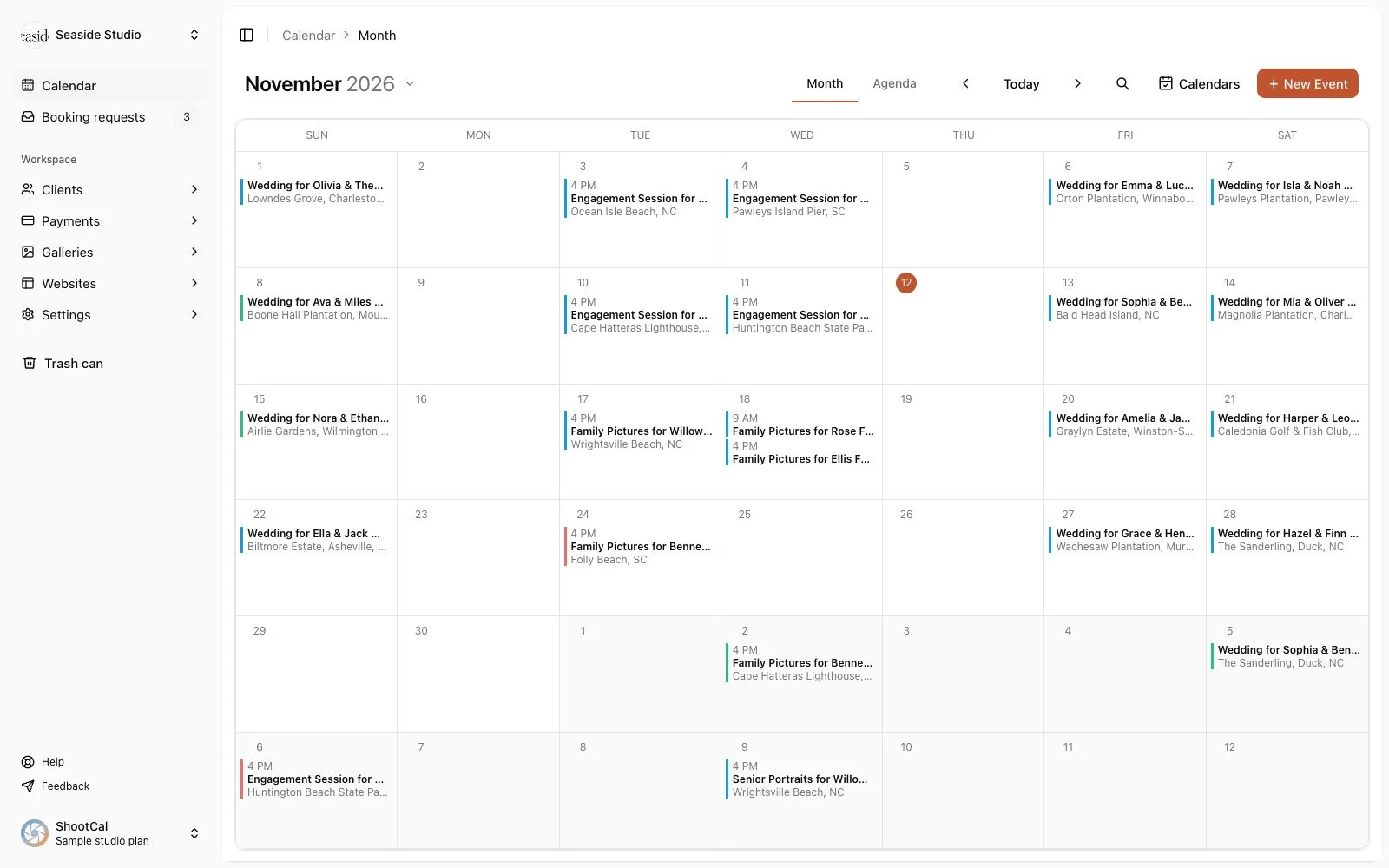
Your photography studio, from the first inquiry to the finished gallery.
What started as a calendar for photographers now brings scheduling, online booking, client records, contracts, questionnaires, invoices and payments together. Plan sessions around sunset, optionally sync with Google or Outlook, deliver client photo galleries with a print store, and build a photography website with WordPress blogging.
Available for Mac, iPhone, iPad and Android, plus the web on Mac and Windows.
Easy Eject
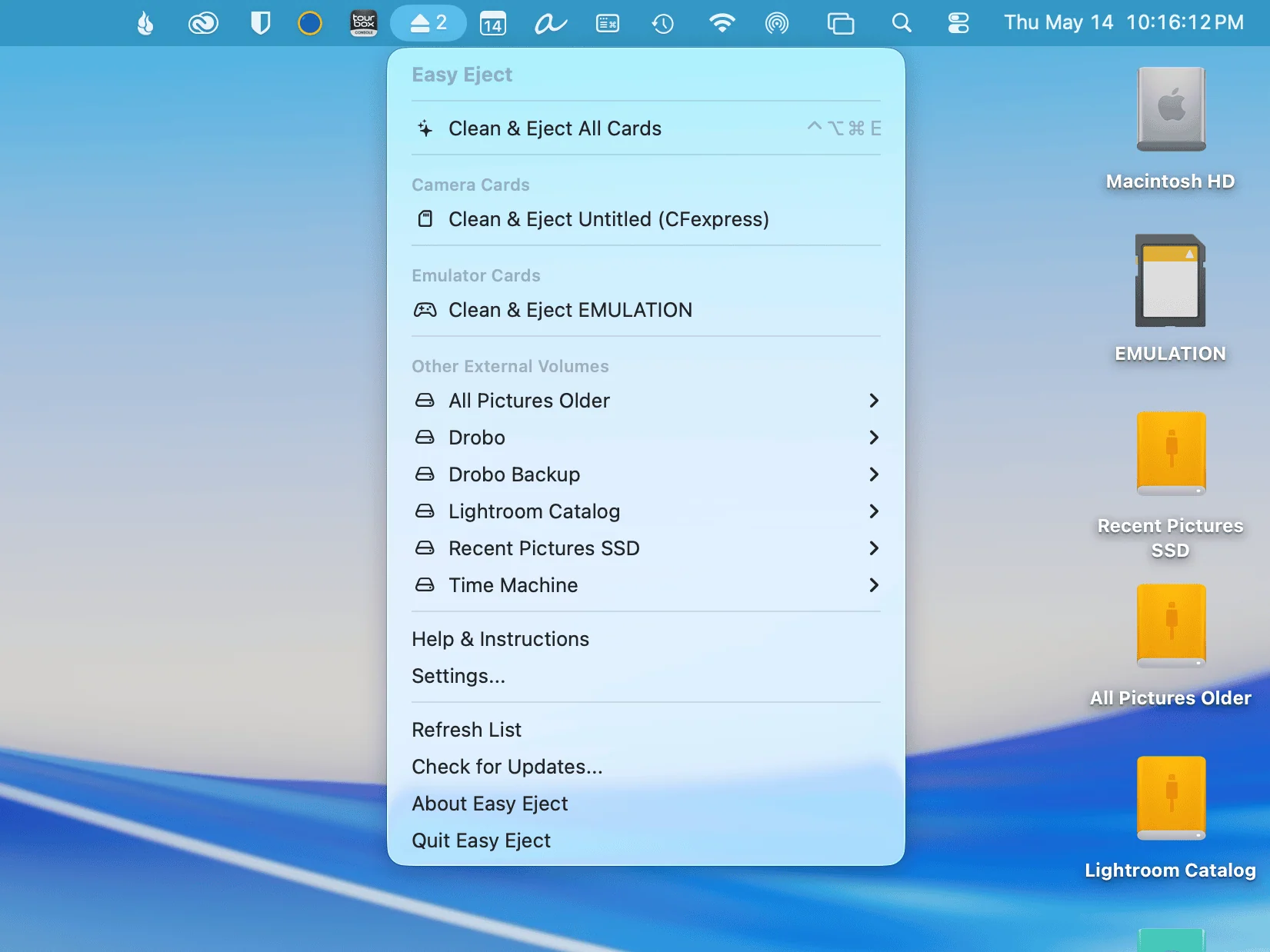
Clean, import and eject camera cards from your Mac menu bar.
Safely eject camera cards and external drives without disconnecting the drives you want to keep mounted. Easy Eject also cleans hidden macOS files from removable media and offers photo and video imports with saved profiles, making the trip from camera card to editing folder a little easier.
For Mac.
ReplySmith
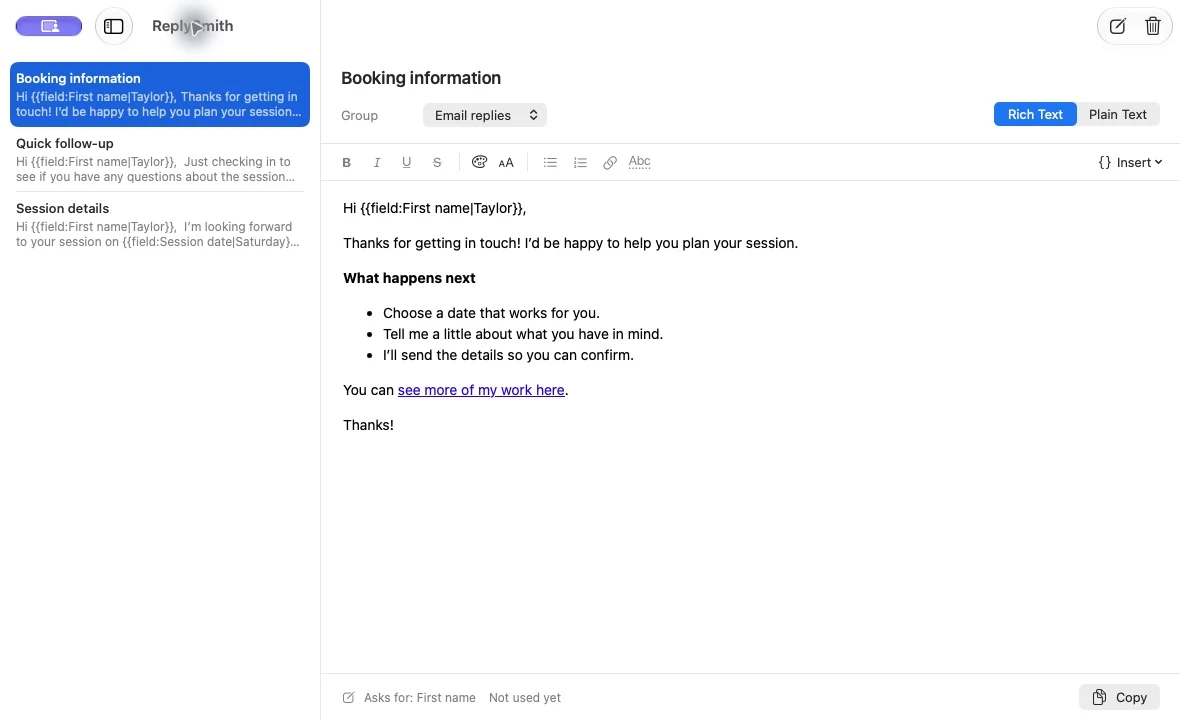
The emails you write again and again, one shortcut away.
Save your common replies, press a shortcut in Mail, Gmail or another app, and type a few letters to find the one you need. ReplySmith pastes it with its formatting intact. Fill-in fields make it easy to personalize names, dates and session details, while your reply library stays on your Mac.
Free for Apple silicon Macs running macOS 15 or later.
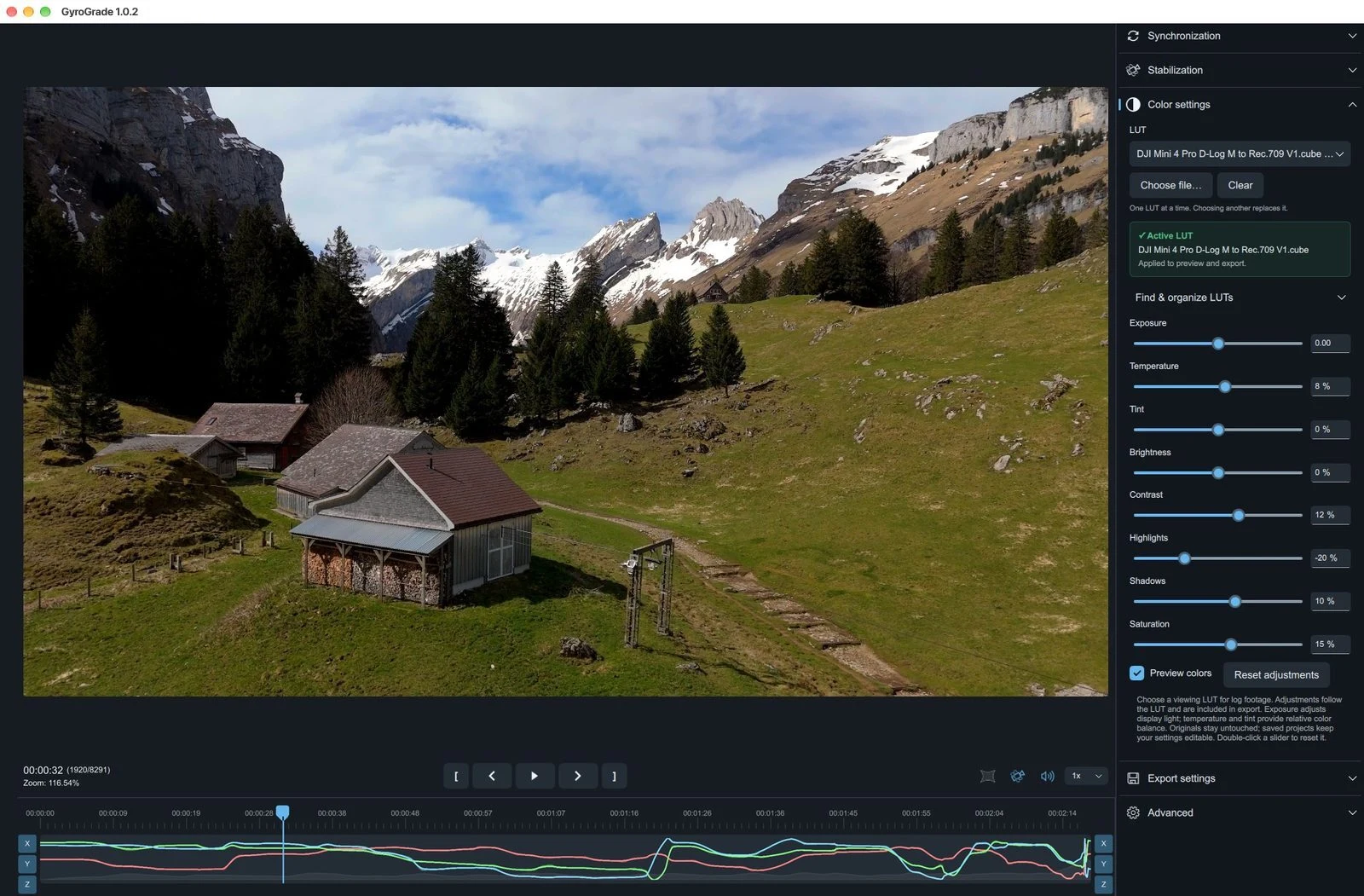
GyroGrade
Stabilize your footage and finish the color in one app.
Built on Gyroflow, GyroGrade combines gyro-based video stabilization with LUTs and straightforward color controls. Trim a clip, choose the LUT for your camera’s log profile, adjust exposure and color while watching the preview, then export the finished video. It is the tool I built to simplify finishing drone and action-camera footage.
Free and open source for Apple silicon Macs and 64-bit Windows.